
Is your business big enough that your back office is messy?
The Bench installs working AI operations for companies whose back office has outgrown the people running it. We build the automation plumbing, hand you a named AI agent, and hand it off to a named human owner — tested, documented, and accountable.
The Bench. Deep bench, zero overhead.
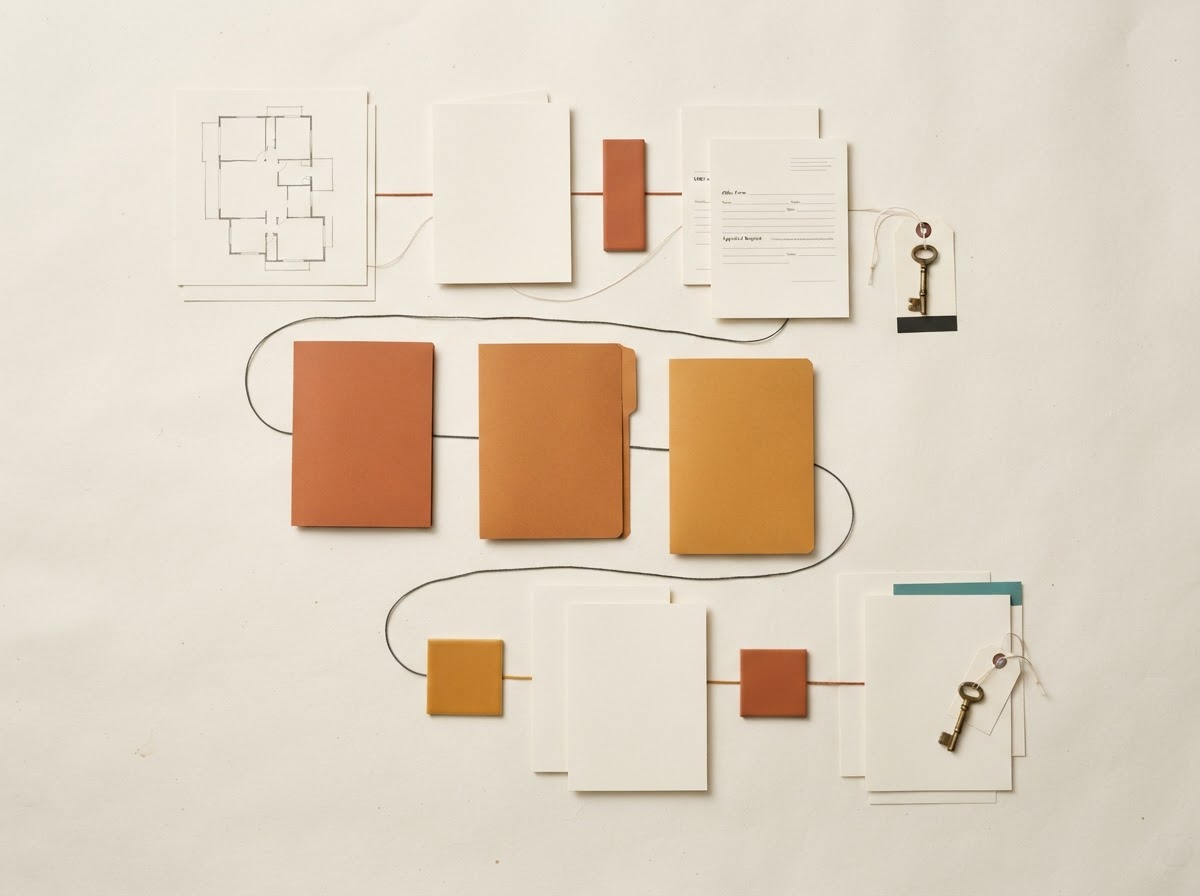
An editorial still-life illustration, not a photograph of a real client or live activity. On the left, a small scatter of blank cream paper cards, inbox trays, folders and fine threads. In the center, a precise modular routing board in terracotta, sage and amber. On the right, a calm handoff folder and a simple brass key. It represents the orderly transformation of a messy back office — a conceptual illustration, not proof.

Two kinds of back office. Same mess.
Mid-market teams (200+)
You have grown past the point where one person can hold the back office in their head. Work falls through the seams between systems, teams, and tools. You need operations that run without depending on heroics.
AI-using small businesses
You adopted AI tools early and fast. Now the back office is a tangle of half-wired automations nobody fully owns. You need the plumbing cleaned up and a clear owner put in place.
An install, handed off and owned by your team.
We deliver automation plumbing plus a named AI agent handed to a named human owner — with testing, a runbook, and handoff. Here is how an install runs.
- 01
Map the back office
We walk where work actually happens and find the seams where it breaks down.
- 02
Build the automation
Plumbing across your systems — not a chat window, the connective tissue underneath.
- 03
Name the agent and owner
One AI agent owns the workflow. One named human on your team owns the outcome.
- 04
Test and hand off
UAT against real cases, a runbook, and a clean transfer of ownership to your team.
- 05
Run and escalate
Clear triggers route exceptions to the owner. Nothing fails silently in the background.
More than installs — product suites offered by proposal.
Custom AI operations installs are available today. The Bench also offers two product suites — SMB Bench and Realtor Bench — each with named offers we scope by proposal, with scope and commercial detail confirmed for each.
Explore products
SMB Bench
Offered by proposalWebsite Build, SEO + GEO Foundation, and Google Business Profile — for small businesses.
- Website Build
- SEO + GEO Foundation
- Google Business Profile
Realtor Bench
Offered by proposalRealtor Website, Lead Generation System, Strategy Consultation, and a bundle of all three — for real estate.
- Realtor Website
- Lead Generation System
- Strategy Consultation
- Bundle
Short video perspectives
Shorts from The Bench YouTube channel.
Map. Build. Test. Hand off.
Install lifecycle diagram with four stages: map the back office, build the automation and named agent, test with UAT, then hand off with a runbook to a named owner.
Map
We walk the back office and document where work actually breaks down.
Build
Automation plumbing and a named agent are configured against your systems.
Test
UAT against real cases. We tune until the workflow holds under load.
Handoff
A runbook, ownership transfer, and a named human owner who is accountable.
An agent, an owner, a runbook, an escape hatch.
Nothing runs unowned. Every install names the agent that does the work and the human accountable for the outcome.
Ownership model diagram. A named AI agent does the repeatable work. A named human owner is accountable. A runbook documents the steps and edge cases. An escalation path routes exceptions to the owner.
Named AI agent
One agent owns the workflow. It does the repeatable work and logs every action.
Human owner
A named person on your team is accountable for outcomes — not a vendor black box.
Runbook
Documented steps, edge cases, and the line where a human takes over.
Escalation
Clear triggers route exceptions to the owner — nothing fails silently.
What an install looks like in motion.
The diagram below is an illustrative example with sample labels — not a real client or live activity. It shows the shape of a finished install.
Illustrative workflow diagram, not live customer activity. Five stages in sequence: scattered inputs, governed automation, a named AI agent, a human owner, and a tested handoff. Sample labels such as the agent name Atlas and the owner role Ops Lead are illustrative only.
Scattered inputs
Email, tickets, spreadsheets, and DMs land in different places.
Governed automation
Rules, guardrails, and logging route each item consistently.
Named AI agent
A single agent owns the workflow end to end. Sample: “Atlas.”
Human owner
A named person on your team is accountable. Sample: “Ops Lead.”
Tested handoff
UAT sign-off, a runbook, and a clean transfer of ownership.
Five stages, left to right: inputs → automation → agent → owner → handoff.
Get Christy's next dispatch
Field notes on installing AI operations in messy back offices. No fluff.
Tell us where the back office is breaking.
We will talk through the workflow, where work falls through the seams, and whether an install is the right move. No jargon, no pressure.